
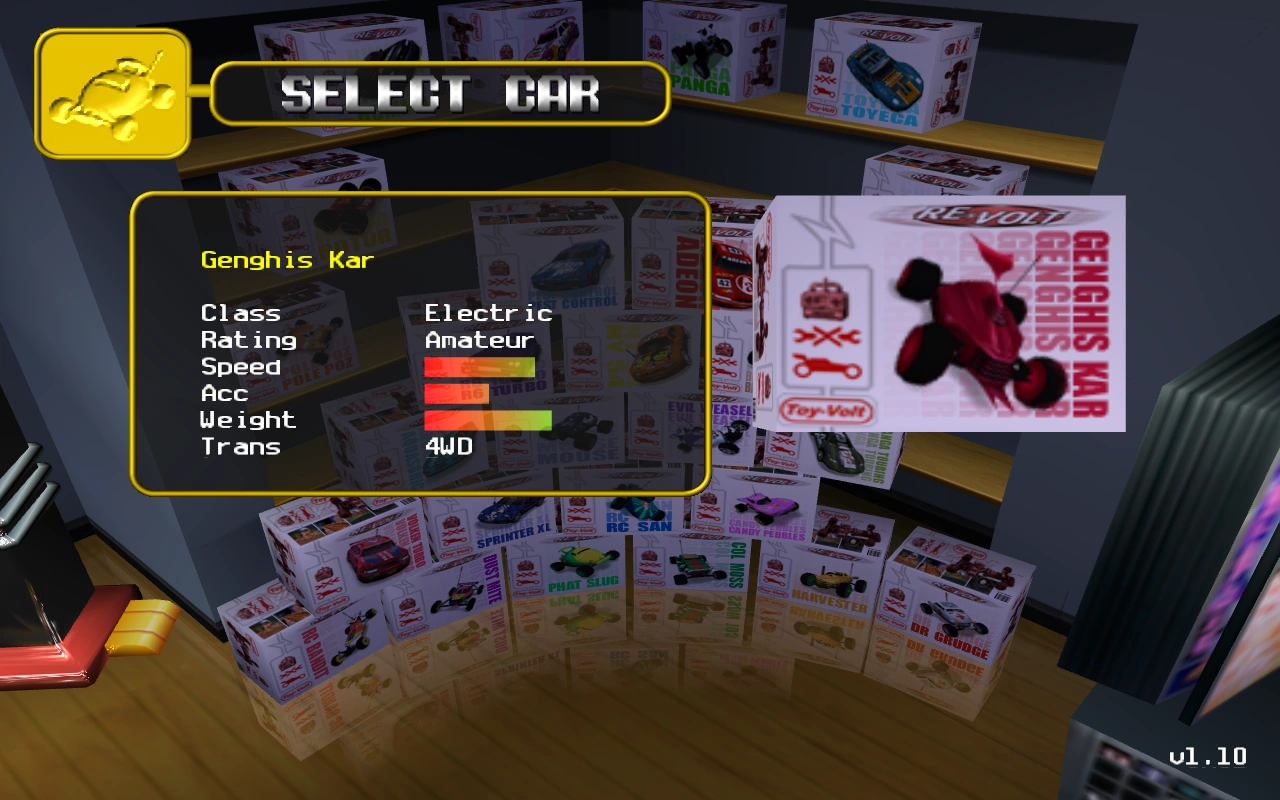

The standard appearance of the car selection screen, as seen in the PC version.
The Car Selection Screen is a part of Re-Volt's Frontend menu. This screen shows the player the available vehicles that can be chosen to play in the many tracks of the game. The Car Selection Screen differs in the PlayStation version, with a menu consisting of three blocks which can be scrolled horizontally to view the rest of the vehicles, and in the DreamCast version, where more boxes are added to the existing boxes, shaping the stack to a form of a pyramid.
Car Selection[]
Cars can be scrolled and browsed through by using the directional arrows on the keyboard or standard game pad. Controls may differ due to the different hardware connected or device, system or console. When a car is selected (using enter or any other command), its box moves from its position to the floor, then it lifts, exposing the car as a 3D rendering preview. This feature does not apply to the PlayStation port, for technical reasons. Once the car has been previewed, the Frontend menu shifts to the track selection.
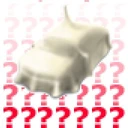
Boxes of cars that are not intended to be accessible or custom creations (PC only) have on its front an image of a car covered by a white sheet and red question marks at the background. Cars that were not unlocked yet have their boxes covered in brown paper with a dark question mark printed on its front. These cars must be obtained with the required obtain method so that they will become available.
Displayed car informations[]
- Name: The name of the car as written in the parameters.
- Class: This section displays the engine sound produced by the car. It varies between Electric, Glow and Special.
- Rating: This section decides in which group of cars the player will race with, as it can race only against cars of the same rating or lower, and never with higher ratings.
- Speed: A bar which depictates the car's maximum speed. Value limits in the parameters are between 2329 and 3750.
- Acc: A bar which depictates the car's acceleration. Value limits in the parameters are between 12 and 4 (reversed scale).
- Weight: A bar which depictates the car's weight. Values in the parameters are represented in kilograms (kg), and limits are between 0.6 and 3.
- Handling: A bar which depictates the car's handling. This option is only displayed in DEV and some Demos.
- Trans: It implies to the drivetrain. It varies between four-wheel (4WD), rear-wheel (RWD) and front-wheel (FWD) drivetrains.
Cars Ordering[]
PC[]
The PC ordering also applies for the Nintendo 64, except that the present special cars are not accessible.

|

|

|
|

|

|
|
|

|

|

|
|
|

|
|
|

|

|

|

|

|
|
|
|
|
|
|

|
|
|
|
|
|
|

|

|
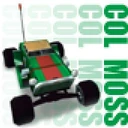
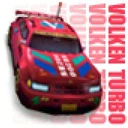
Carbox art of Trolley and Clockworks were made by RV Passion. Probe UFO and Mystery carboxes are from the Arcade version.
Dreamcast and Re-Volt Classic[]
These cars come after Mystery in the car selection screen. This ordering also applies to the Playstation version of Re-Volt, excepting that BigVolt and BossVolt are not included, nor the present special cars are accessible in this version.

|

|
|
|
|

|
|
|
|
|
|
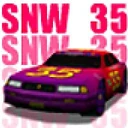
|
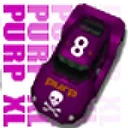
|
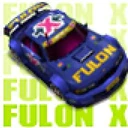
|
Arcade[]
The Arcade version has a completely different ordering than the other ports, and not all cars are present.
|
|
|
|
|
|
|
|
|
|
|
|
|
|
|
|
|
|
|
|
|

|
|
|
|
|
Gallery[]


Trivia[]
- In the original PC version or patched with the official Acclaim patches, there's a limit of how much custom cars can be loaded in the car selection screen. This limit can be removed by using certain fan patches or the TMMCC tool.
- RVGL and newer builds of Re-Volt 1.2 contains a search feature where the user only needs to type the car's name to select it, without using the keyboard arrows.